
CONNECTED DOCUMENT PRODUCTIVITY

Documents and files.One connected workspace.

Work across PDFs, office files, images, visual signatures, transfers and clearly labelled document AI without treating every task as a disconnected utility.
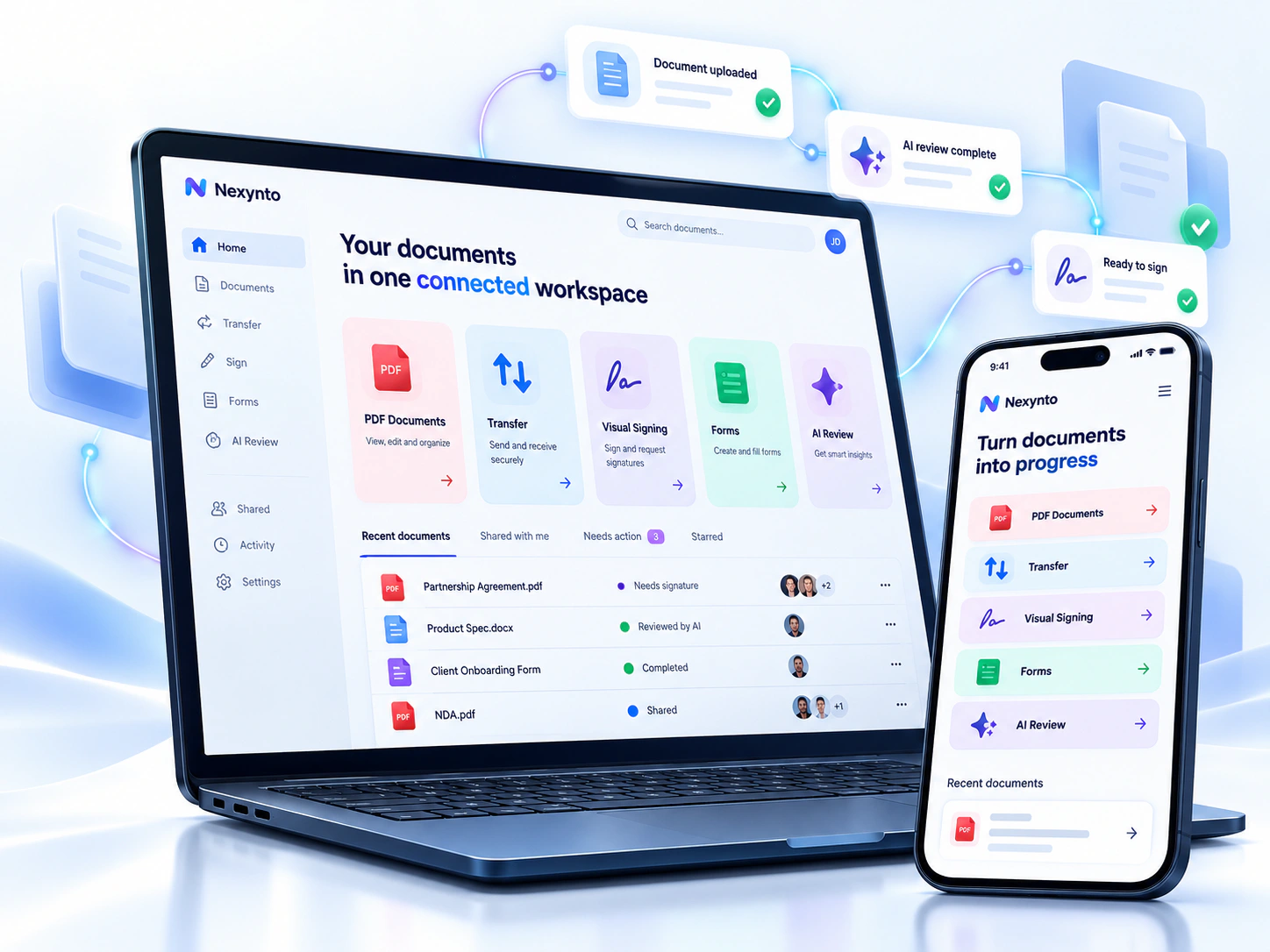
Nexynto connected document workspace displayed across a laptop and mobile phone
Nexynto ToolsConnected productivity
One connected workspaceDocuments that keep moving
88 Tools
Connected Workflows
Secure Processing
AI-Powered Assistance

Nexynto platform map

One Platform, Three Ways to Move Work Forward

Start with a file, build a process or understand what is inside your documents.

Documents workspace

Personal · Organization

Keep every document ready for what comes next.

Store and organize files, inspect previews, find content, manage versions, collect review decisions and continue into the right Nexynto workflow.

  • Organize files into folders and searchable workspaces
  • Preview current versions before download or handoff
  • Comment, review and approve with clear document state
  • Open compatible files with Nexynto tools or Transfer

File Transfer

Web

Send files. Keep control.

Move completed work into a controlled transfer without rebuilding the handoff. Set supported access conditions, create the link, and monitor or revoke it from the sender workflow.


  • Optional password and supported expiry periods
  • Download limits and preview controls
  • Recent-transfer status and sender revocation
  • Continue from supported document result workflows
Files moving securely from a desktop workspace to a recipient laptop through a protected global transfer
Nexynto TransferSecure delivery
Protected linkExpiry controlsDownload tracking
Visual signing only
A PDF agreement receiving a visual signature, initials and date in a polished desktop signing workspace
Nexynto SignVisual signing workflow
Place with precisionSignature, initials and dates

Sign & approve

Two focused paths

Sign it yourself—or request signatures.

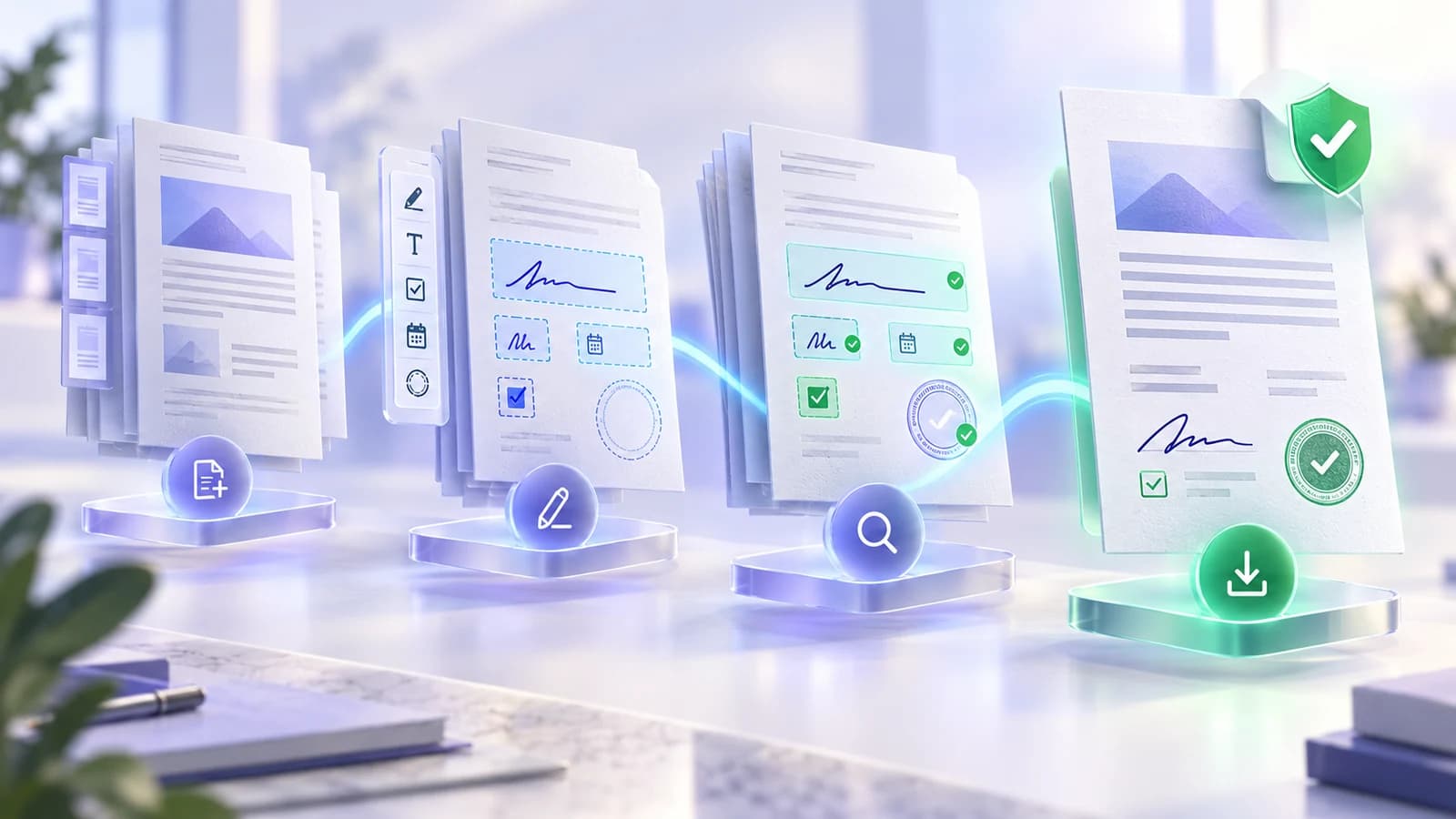
Use fast visual self-signing for your own document, or start a managed recipient workflow with assigned fields and completion tracking.

  • Sign a Document: add signatures, initials, dates and text
  • Request Signatures: add recipients and assign fields
  • Review self-signed output before export
  • Track managed requests through completion
Advanced: Digital Signature

Forms & Data Collection

Web

Build forms. Structure every response.

Turn supported PDFs into guided, reusable forms. Place the right fields, preview each page, validate the structure and carry clean information into the next document workflow.
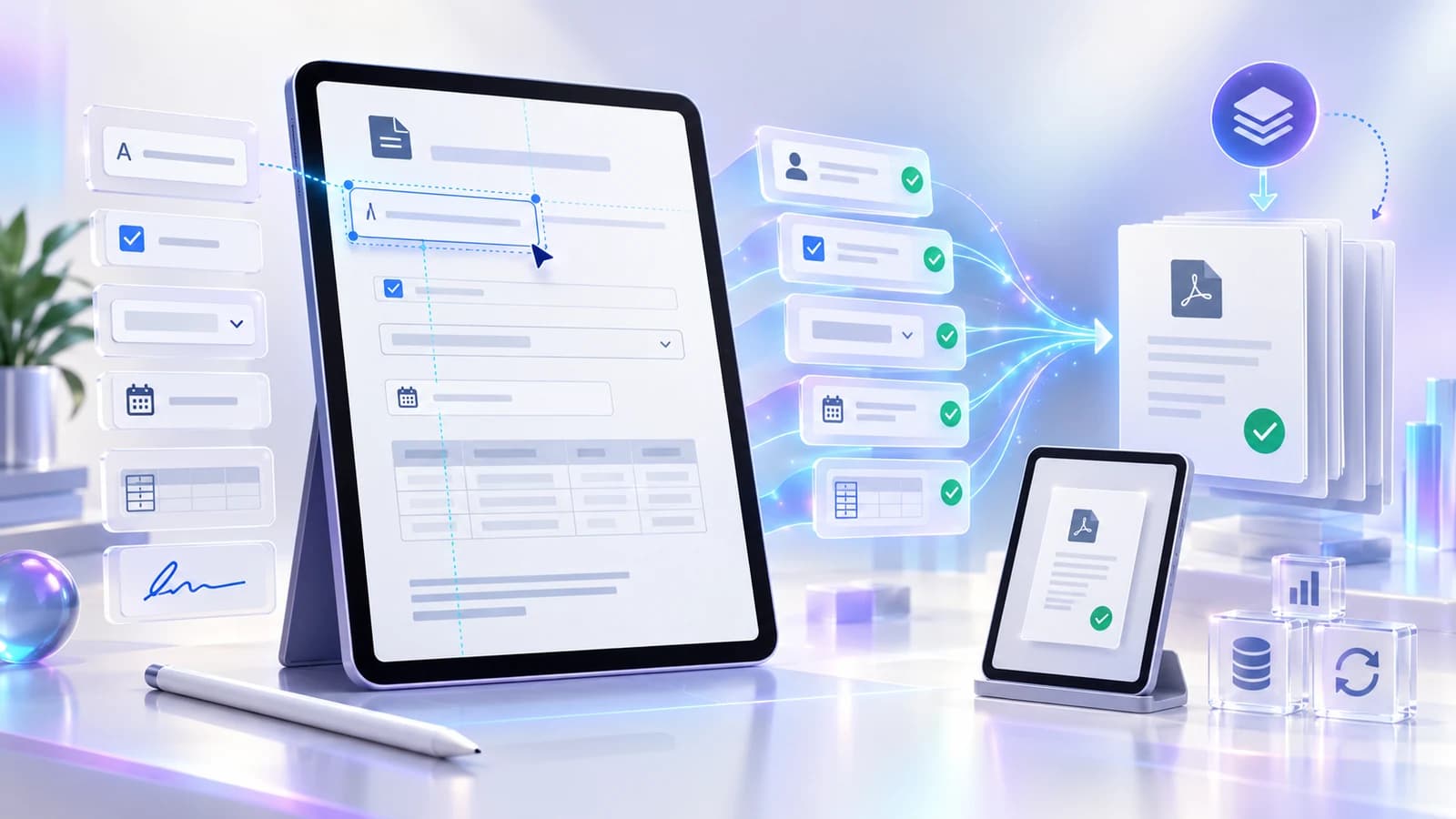

  • Visual placement for text, choice, date and table fields
  • Live page preview with required-field and choice logic
  • Import and export reusable design templates
  • Spreadsheet-driven document batches available separately
BuildPlace fields
PreviewReview pages
ValidateApply rules
ReuseSave layouts
Interactive form fields being placed on a document and transformed into validated reusable PDF outputs
Nexynto Form StudioDesign · Validate · Reuse
Place fieldsPreview liveReuse layouts
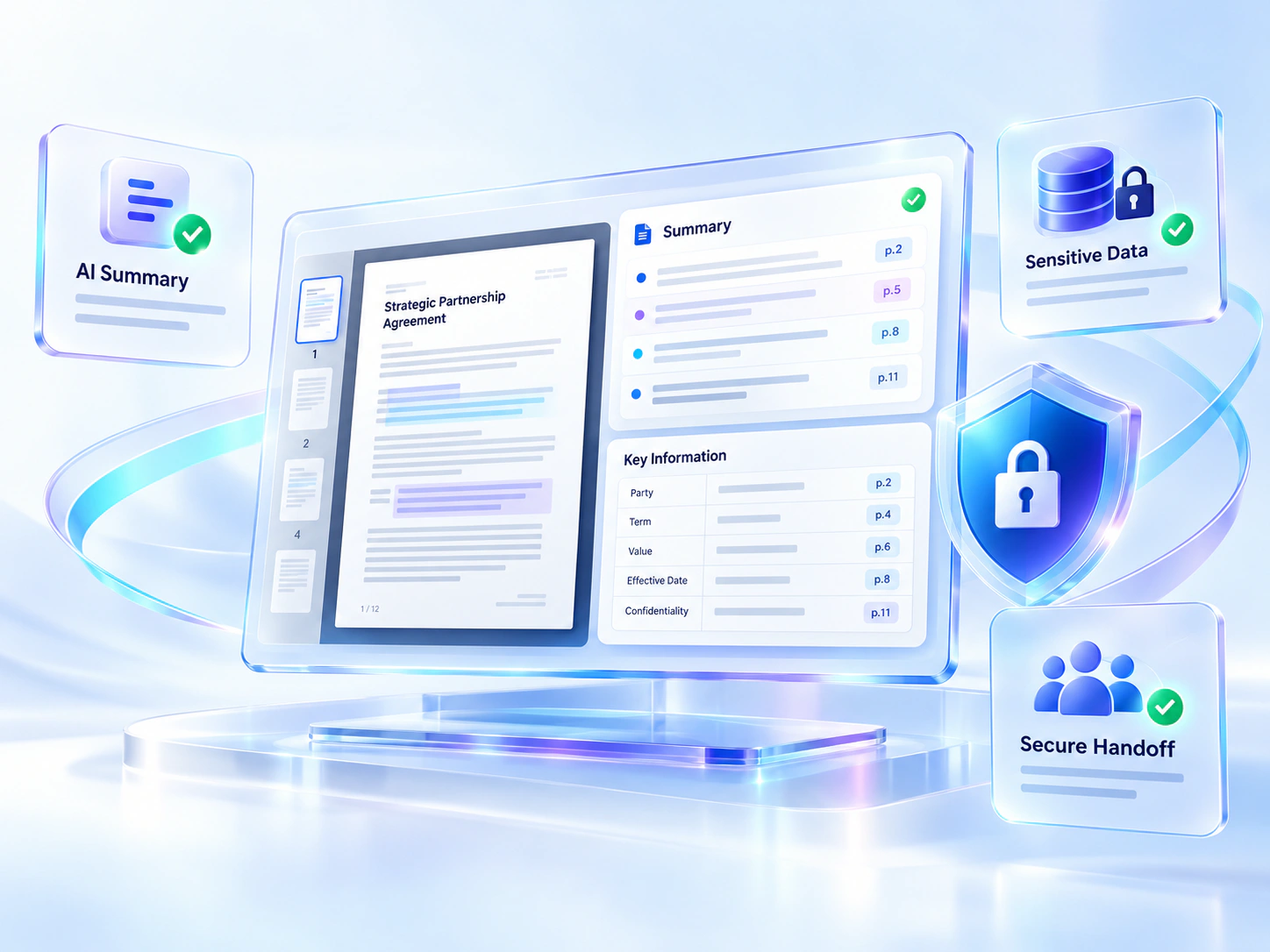
Highlighted source passages and tables connected to page-referenced document insights, review checks and privacy controls
Nexynto Document AIEvidence before action
Source-linkedStructured dataHuman review

AI Document Intelligence

AI-assisted

Understand what is inside your documents.

Use distinct workflows to summarize, ask, extract, analyze or propose redactions. Evidence-aware results expose source context where supported so important conclusions can be checked.

  • Summaries and answers with page references where available
  • OCR and structured extraction remain distinct workflows
  • Human review before suggested AI redactions are applied
  • Clear disclosure when content uses configured AI services

File Productivity & Batch Work

Available in Nexynto Desktop

Organize files. Review once. Apply safely.

Handle authorized local files as a reviewed operation instead of repeating the same task file by file. See every proposed change, resolve conflicts and keep a supported path back.

  • Bulk Rename, explicit-list Bulk Copy and File Stamp
  • Folder Diff & Sync, Match & Organize and folder structures
  • Deterministic previews with extension and collision checks
  • Cancellation plus supported undo journals for safer batches
PreviewBefore apply
VerifyConflicts first
RecoverUndo supported
Mixed document files moving through rename preview, conflict checks and validation into an organized local folder structure
Nexynto DesktopLocal batch operations
Preview firstResolve conflictsUndo ready

Capture & Record

Windows desktop capability

Capture ideas. Explain work.

Capture a screen region, visible window, current monitor or guided scrolling page, then annotate the screenshot and export a new PNG without leaving the Nexynto desktop workspace.

  • Capture a rectangle, visible window or current monitor
  • Build guided scrolling screenshots with overlap review
  • Annotate with pen, highlight, shapes, arrows, text and crop
  • Export a new PNG, copy pixels locally or continue with image tools

Supported path

CaptureAnnotateSaveContinue

Recording status: the recording interface is designed, but its native encoder, microphone and system-audio pipeline are not enabled in the current build. Recording is not presented as available.

A precise screen region being captured, stitched, annotated and prepared as a local PNG image
Nexynto CaptureLocal screenshot workflow
Recording unavailable
Region & scrollAnnotate clearlyExport PNG

Connected work

Live handoffs · planned collections

Finish one task. Continue with the result.

Move compatible results into a supported next action without choosing the same file again. Planned local working sets stay clearly separated from the live web handoff experience.

  • Continue selected results into Review, Protect, Sign or Transfer
  • Keep processing boundaries and file location visible
  • Review every output before the next action
  • Collections remain clearly labelled until released
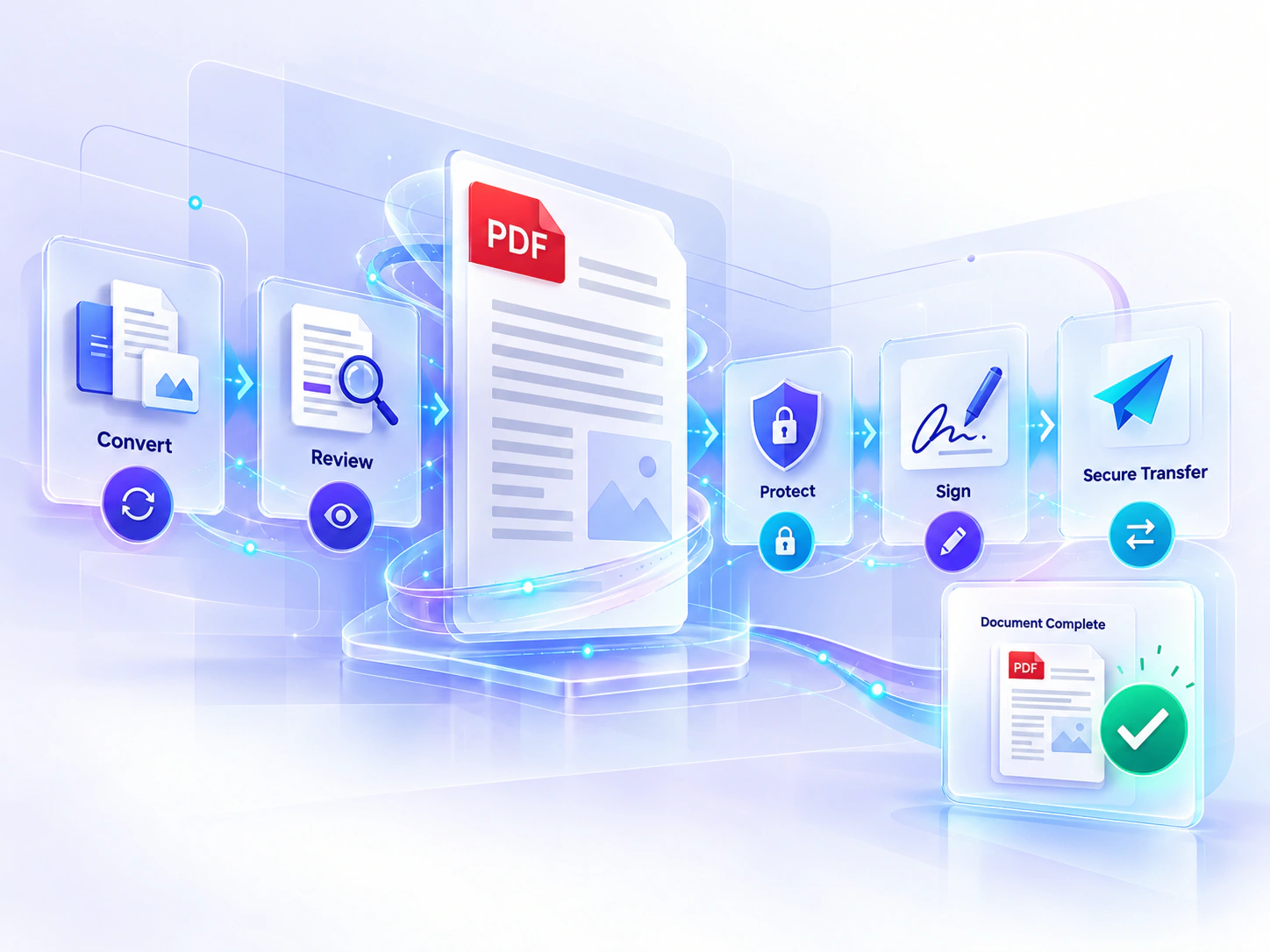
A central PDF document connected to editing, OCR, conversion, page organization, protection and verified result workflows
Nexynto Document StudioPreview · Process · Verify
Edit & organizeOCR & convertProtect & verify

PDF & Document Tools

88 current tools

Depth beyond a one-click conversion.

Flagship workspaces can expose settings, visual previews, review states, verification and useful next actions instead of hiding the decisions that shape the output.

  • Merge with reorder, page ranges and Interleave mode
  • Edit, organize, OCR, secure and convert workflows
  • Tool-specific preview and verification where implemented
  • Registry-derived catalogue count and family navigation

Plans

Choose a workspace that fits how you work.

Start with the right product experience for study, individual productivity, or controlled team collaboration. Compare the currently available features before choosing.

Student

Learning, research and personal document work.

  • Study documents
  • Everyday PDF and image tools
  • Clear processing guidance
View Student plan
Most flexible

Individual

Focused personal and professional productivity.

  • Broader document workflows
  • Visual signing and Transfer
  • AI-assisted tools where configured
View Individual plan

Team

A direction for shared work and controlled administration.

  • Team workspace direction
  • Shared workflow direction
  • Admin and tool controls planned
View Team plan
Browser-local where supported
Temporary server processing where required
AI only in clearly labelled workflows
Limits explained on each tool
Nexynto

Your documents. Your files. One connected platform.

Choose a focused tool, understand how it works, review the result and continue into the next supported action.

DocumentsDocument AISignTransfer